
EMWICON / NEWS & PRODUCT UPDATES
What’s new in wireless
New module announcements, portfolio updates and engineering news from EmWicon.
Wireless insights & updates
Explore product highlights and practical design considerations for your next connected product.

Wi-Fi 6E & Wi-Fi 7 for embedded systems
Explore USB and M.2 2230 options for industrial automation, transportation and connected infrastructure.
Read insight
Begin with the host platform, required bands and target markets. EmWicon offers different module formats so the radio, electrical interface and mechanical design can be evaluated together.
Wi-Fi generation alone does not define a product’s speed, channel width or Bluetooth version. Confirm the selected model’s specifications and software support for your application.
- Match the module to the host interface and available space.
- Check antennas, regional requirements and integration support.
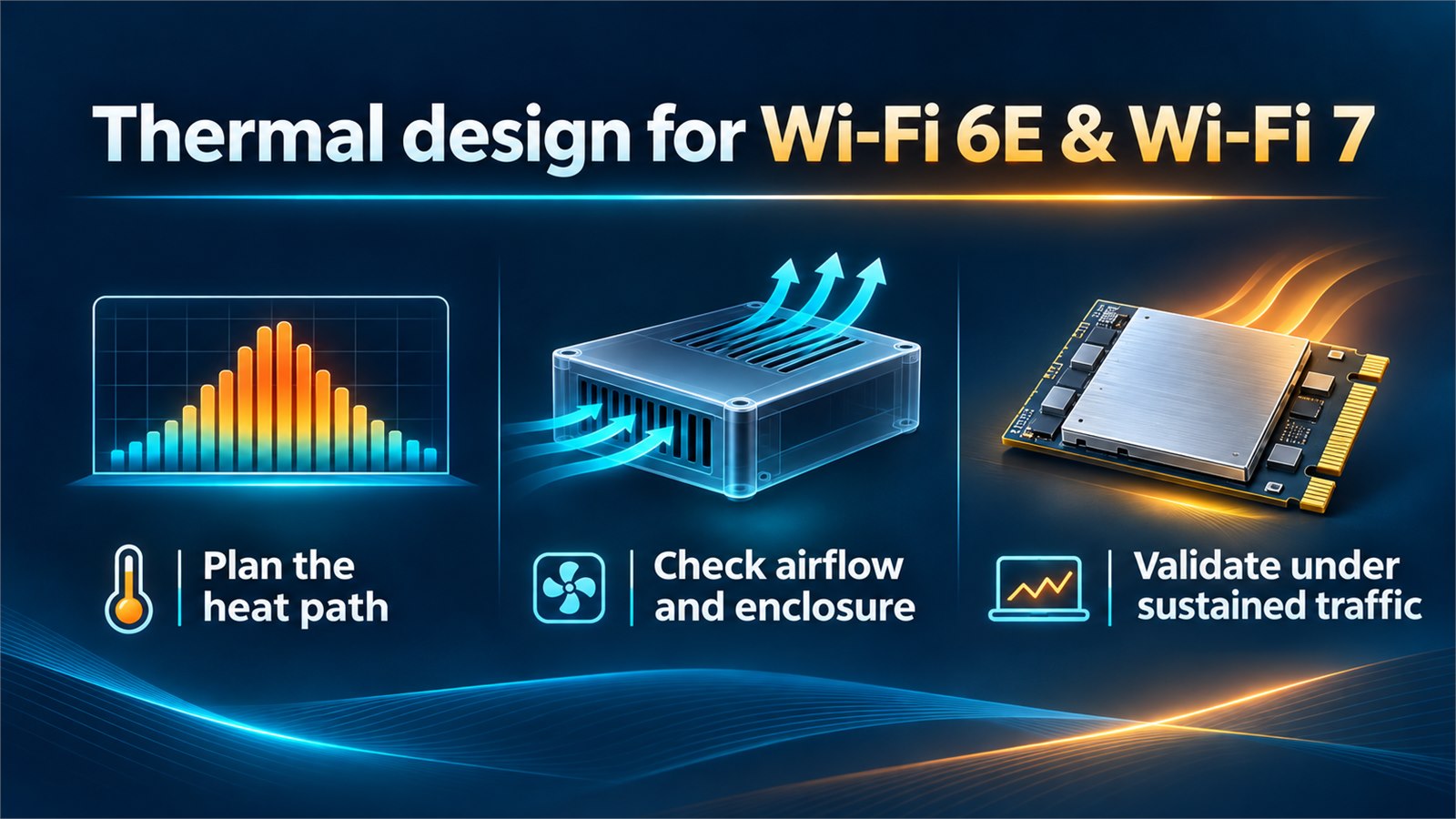
Thermal design for Wi-Fi 6E & Wi-Fi 7
Plan the heat path, enclosure and sustained-load testing early in your wireless design.
Read insight
A wireless module is part of a complete thermal system. Consider its operating limits together with the enclosure, nearby heat sources, airflow and the expected traffic pattern.
Evaluate the assembled product under representative sustained traffic and ambient conditions. Use the selected module’s requirements to plan heatsinks, thermal interfaces and monitoring.
- Check the module’s qualified temperature range.
- Validate the final enclosure rather than relying only on an open-board test.
Technical reference: TI module reliability application note
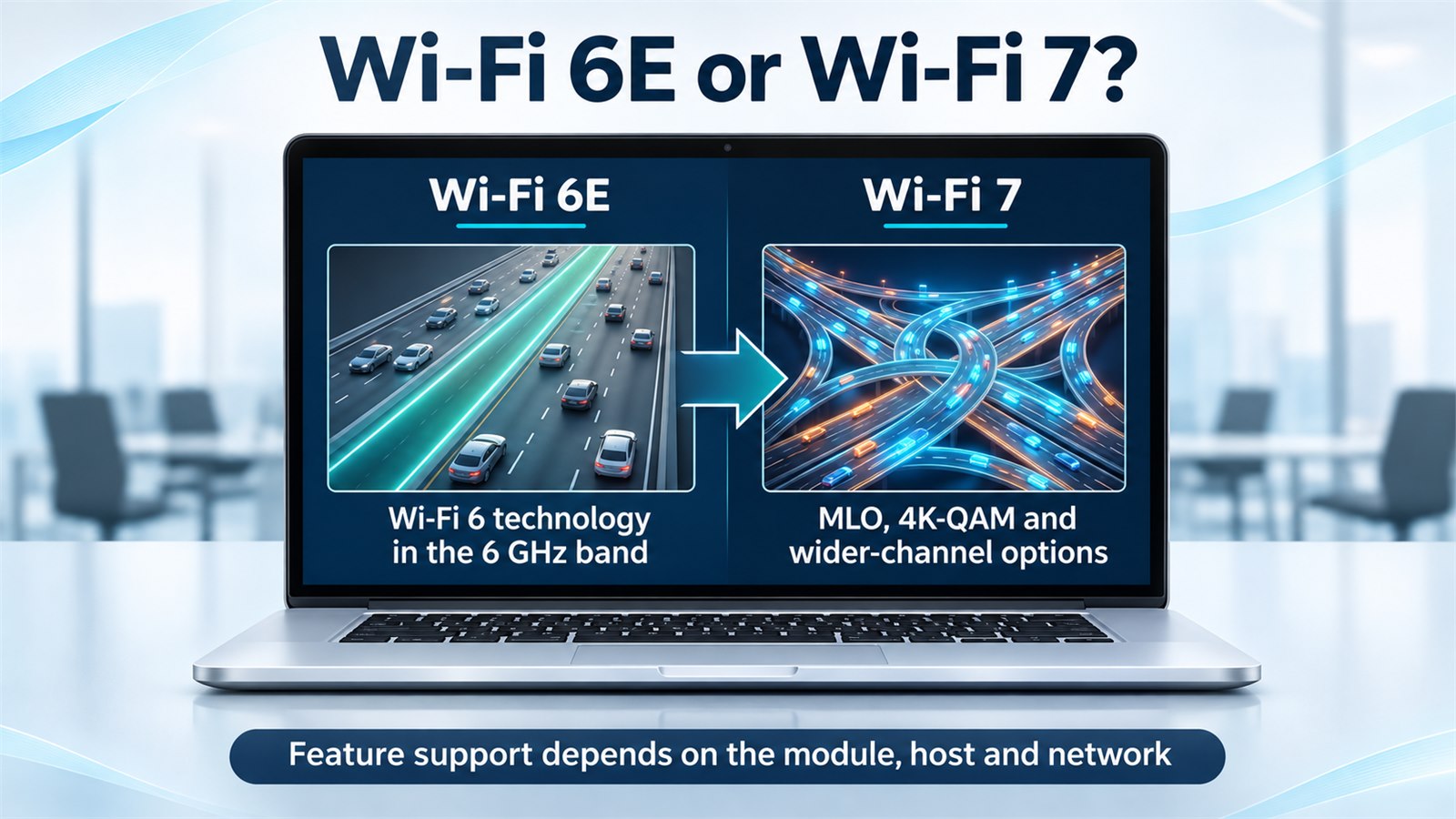
Wi-Fi 6E or Wi-Fi 7?
Understand the difference between access to 6 GHz spectrum and the next generation of wireless features.
Read insight
Wi-Fi 6E extends Wi-Fi 6 technology into the 6 GHz band. Wi-Fi 7 adds capabilities such as Multi-Link Operation, 4K-QAM and wider-channel options.
Availability of those features depends on the module, driver, operating system, access point and regional rules. Select the combination that fits your application rather than assuming every Wi-Fi 7 device offers the same feature set.
- Confirm the supported bands and channel widths for the exact model.
- Evaluate the host and network as part of the wireless solution.
Technical reference: Wi-Fi Alliance technology announcement
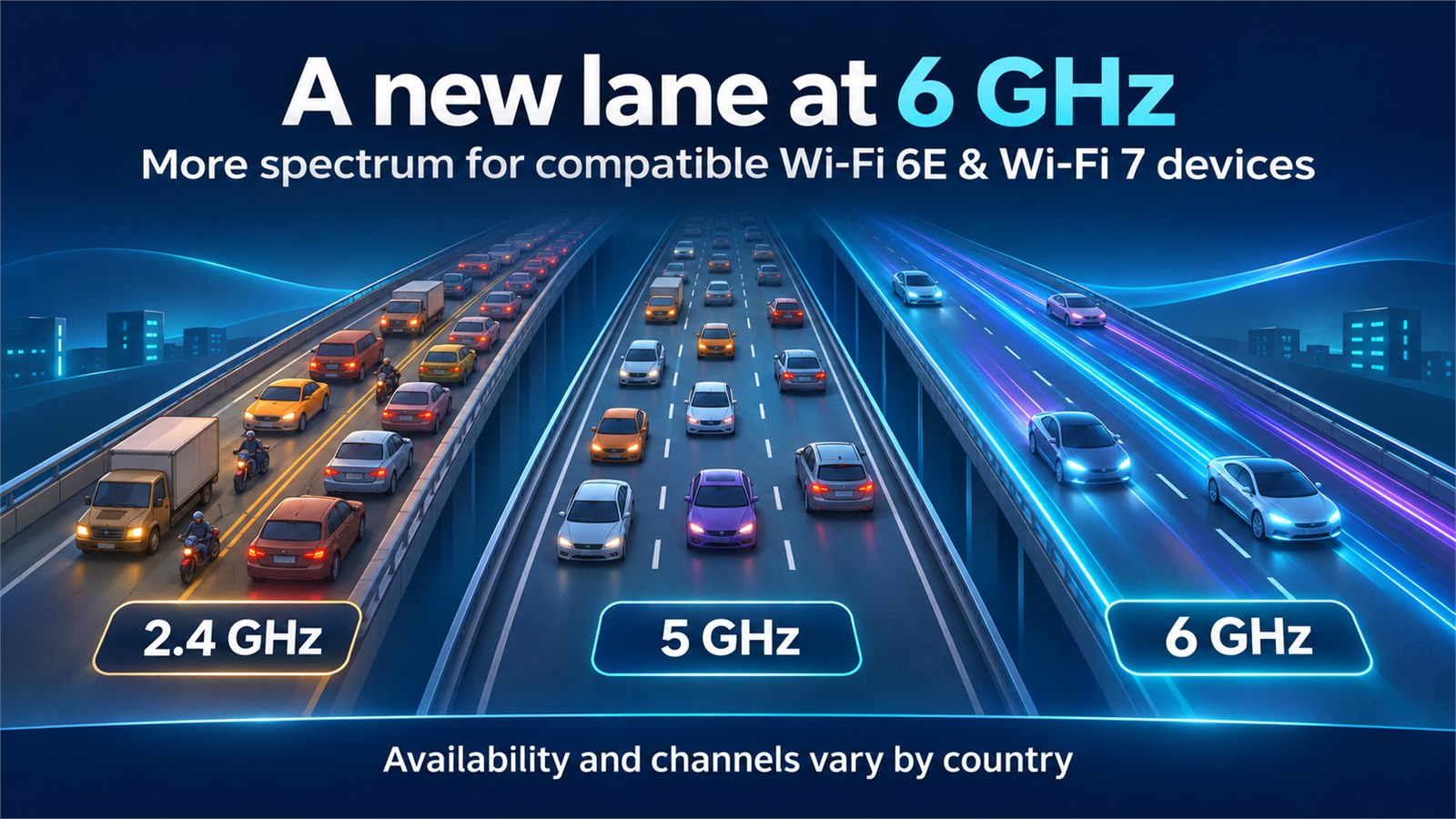
A new lane at 6 GHz
Additional spectrum creates new design options for compatible Wi-Fi 6E and Wi-Fi 7 systems.
Read insight
The 6 GHz band can provide additional channels for compatible devices. It is an opportunity to plan capacity and channel use alongside existing 2.4 GHz and 5 GHz networks.
Available spectrum, power limits and operating conditions vary by country. Confirm the target markets, antenna design and system support before enabling 6 GHz in a product.
- Use regional requirements when planning supported channels.
- Check that the module, host software and access point support the intended operation.
Technical reference: Intel guidance on enabling 6 GHz
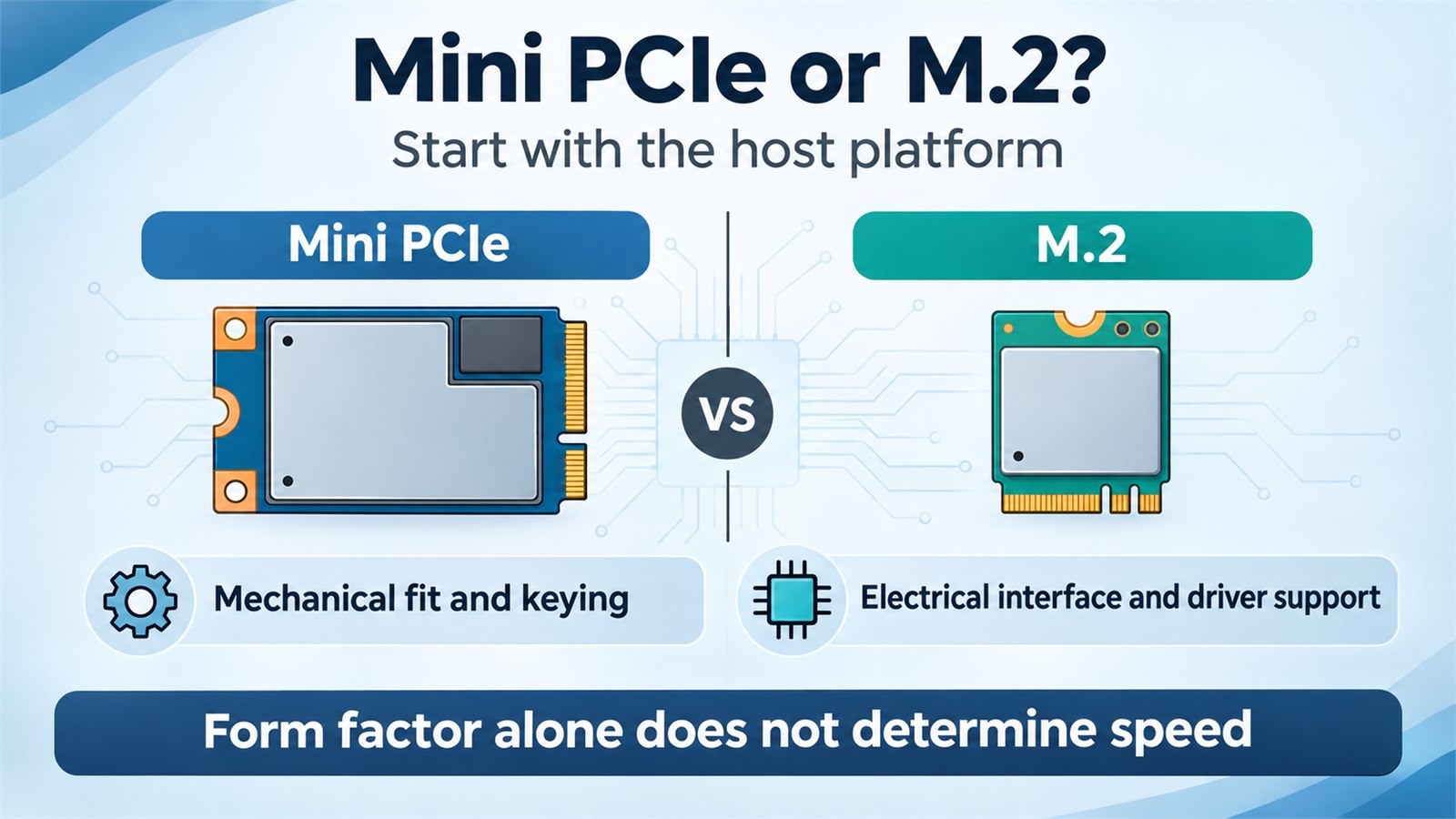
Mini PCIe or M.2?
Choose the mechanical format and electrical interface together, starting with your host platform.
Read insight
Mini PCIe and M.2 describe different module and connector formats. Mechanical dimensions, mounting and connector keying are important, but they do not by themselves determine wireless throughput.
Check the actual host interface, supported signals, power and driver requirements for each model. An M.2 module may use PCIe, USB or another platform-specific connection; physical fit is only one part of compatibility.
- Verify socket keying and the host’s wired signals.
- Confirm interface and software support in the module specification.
Technical reference: Intel AX210 form factor and interface brief
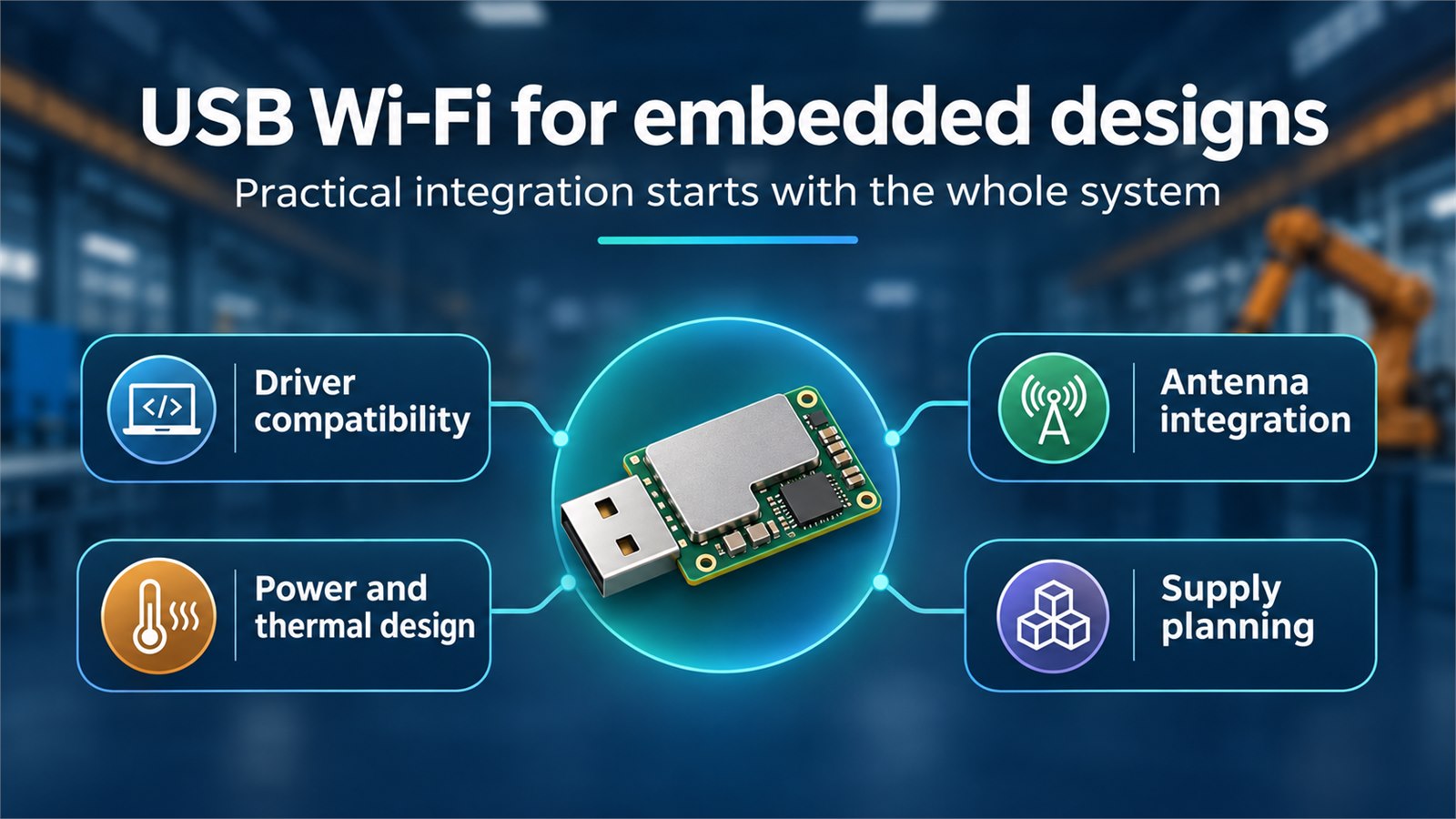
USB Wi-Fi for embedded designs
A practical interface choice still needs careful planning for software, power, antennas and supply.
Read insight
USB wireless modules can be useful when a host platform provides a suitable USB interface. Evaluate the module alongside the operating system, driver support and mechanical requirements of the finished product.
Temperature qualification, long-term availability and software support are model-specific. Confirm those requirements with our team instead of applying one general promise to every USB product.
- Review driver compatibility and available USB bandwidth.
- Plan power, thermal design, antennas and project supply requirements.
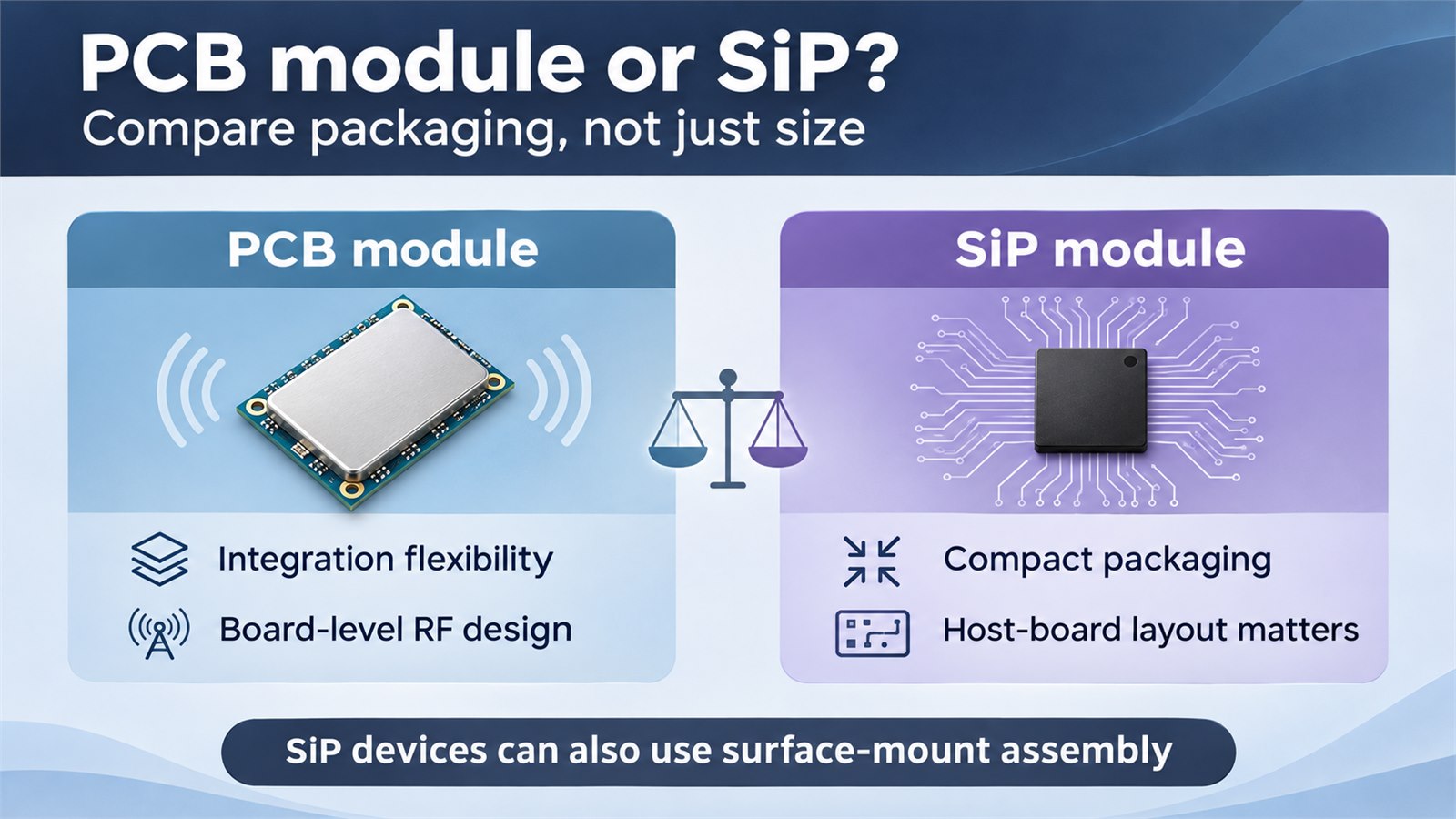
PCB module or SiP?
Compare packaging, board integration and manufacturing requirements rather than size alone.
Read insight
A System-in-Package integrates components within a compact package; a PCB module places components on a carrier board. Surface-mount assembly is a mounting method, so it is not the opposite of SiP.
Consider available board area, antenna layout, assembly capability and development resources. Certification and integration conditions depend on the selected device and target market for either package type.
- Compare the complete host-board requirements.
- Check assembly guidance and the applicable module approvals.
Technical reference: Silicon Labs packaging tradeoffs
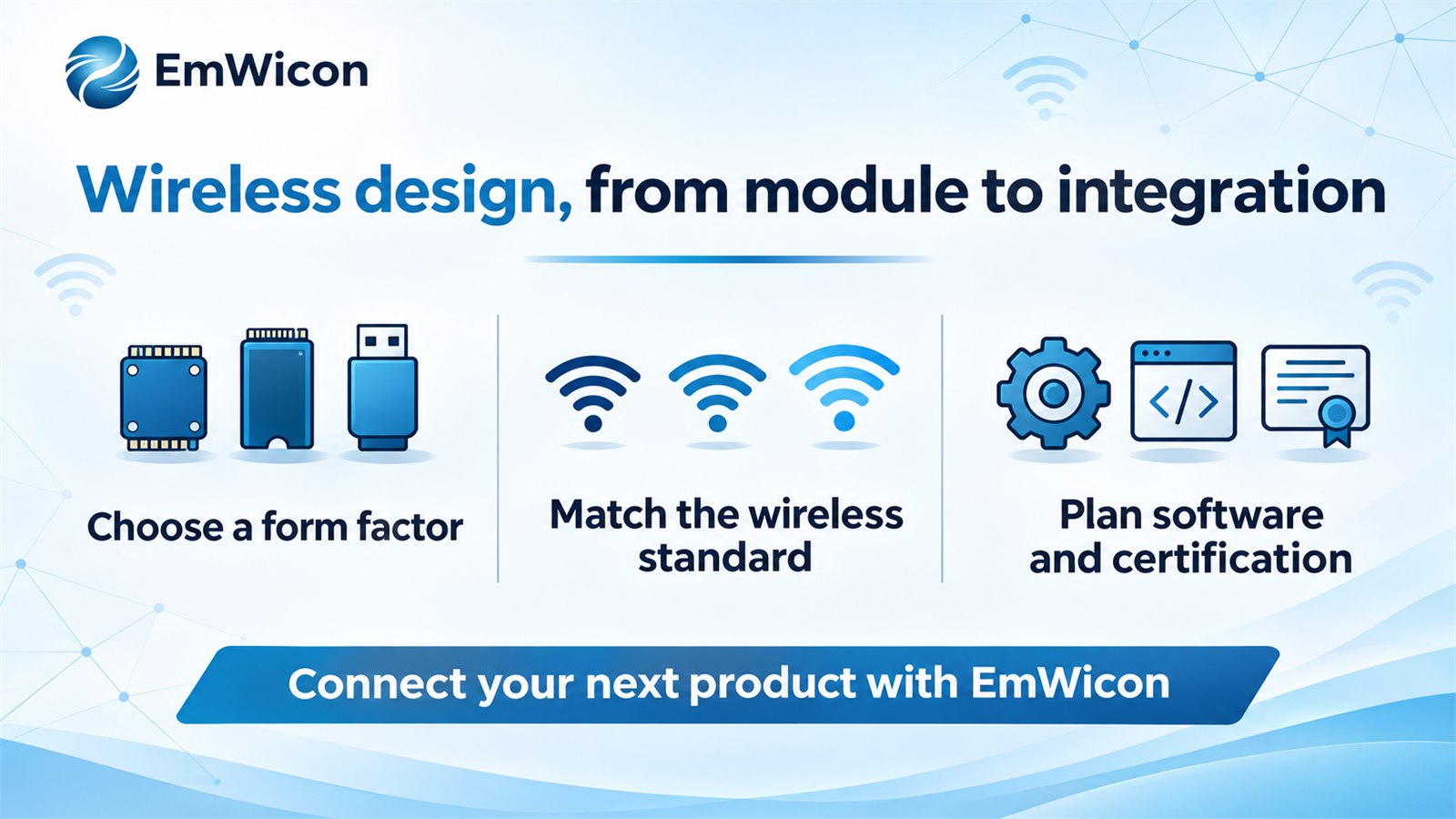
Wireless design, from module to integration
Connect module selection with hardware, software and product integration support.
Read insight
A successful wireless design starts with a clear application, host platform and development schedule. Choose the form factor and radio capabilities alongside the antenna and mechanical requirements.
EmWicon supports wireless projects with module selection and engineering collaboration. Share your platform, target markets and production plans so we can discuss the appropriate scope of integration and testing support.
- Define the platform, interface and target markets.
- Plan integration, testing and certification activities early.
Product spotlight
SEPTEMBER 10, 2026 · NEW PRODUCT
WMX8203
Wi-Fi 7 module
Tri-band Wi-Fi 7 and Bluetooth 5.4 connectivity in a compact M.2 2230 form factor for next-generation embedded systems.
Discover WMX8203 →